ScoreStudio ProFeatures
Features · macOS
Table Tennis Scoreboard Software for macOS
ScoreStudio Pro is a table tennis score keeper and live scoreboard software in one Mac app. It scores the match, shows it on the venue screen, puts it on your OBS stream and fills in the match sheet, all in sync.
Scoring
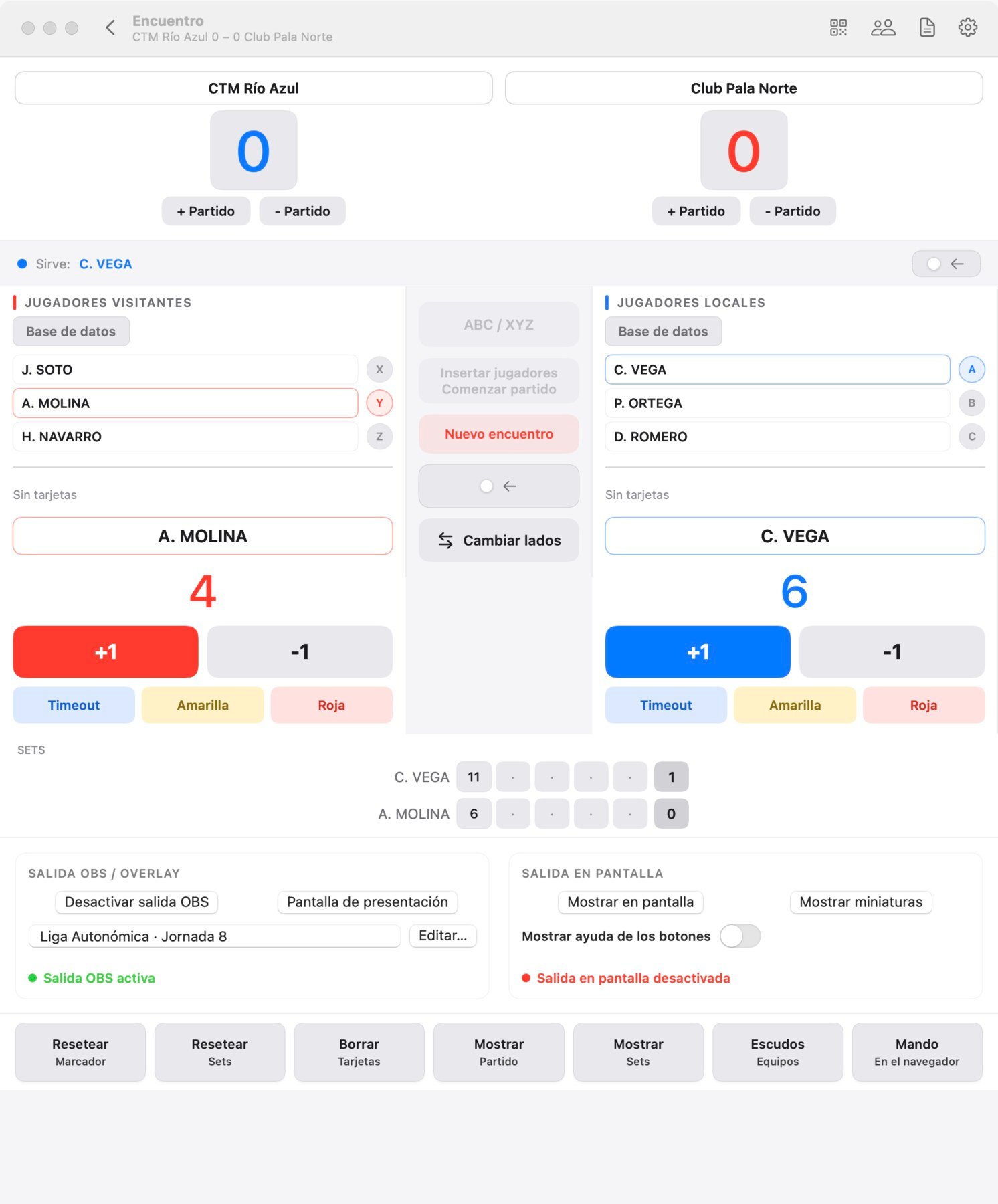
Professional Match Scoring
One control panel to run the whole match, with big buttons you can hit without thinking.
- +1 and −1 for each player, so a wrong point is easy to take back.
- Timeouts with a one-minute countdown that also shows in your stream.
- Yellow and red cards for the umpire.
- Change of sides in one click, and the scoreboards flip with it.
Rules
Table Tennis Rules and Service Management
The app knows the rules of table tennis, so the person at the table only adds points.
Games and matches
Games to 7, 11, 15 or 21 points, played best of 1, 3, 5 or 7 games.
Serve, taken care of
The app shows who is serving and changes the serve for you. If you need to correct it, one button switches it by hand.
Deuce and change of ends
Deuce is handled automatically, and the app changes the sides at the end of each game on its own, so nobody has to remember.
Live streaming
OBS Studio Integration
Put a TV-style scoreboard over your camera feed with a single browser source in OBS.
- Five overlay designs, including a Tournament design with the event logo.
- Screens that appear on their own: line-up, warm-up, end of game, timeout and end of match.
- Sponsor ads inside the stream, without covering the score.
- Crest, country flag or shirt color next to each name.

Remote control
Remote Scoreboard Control
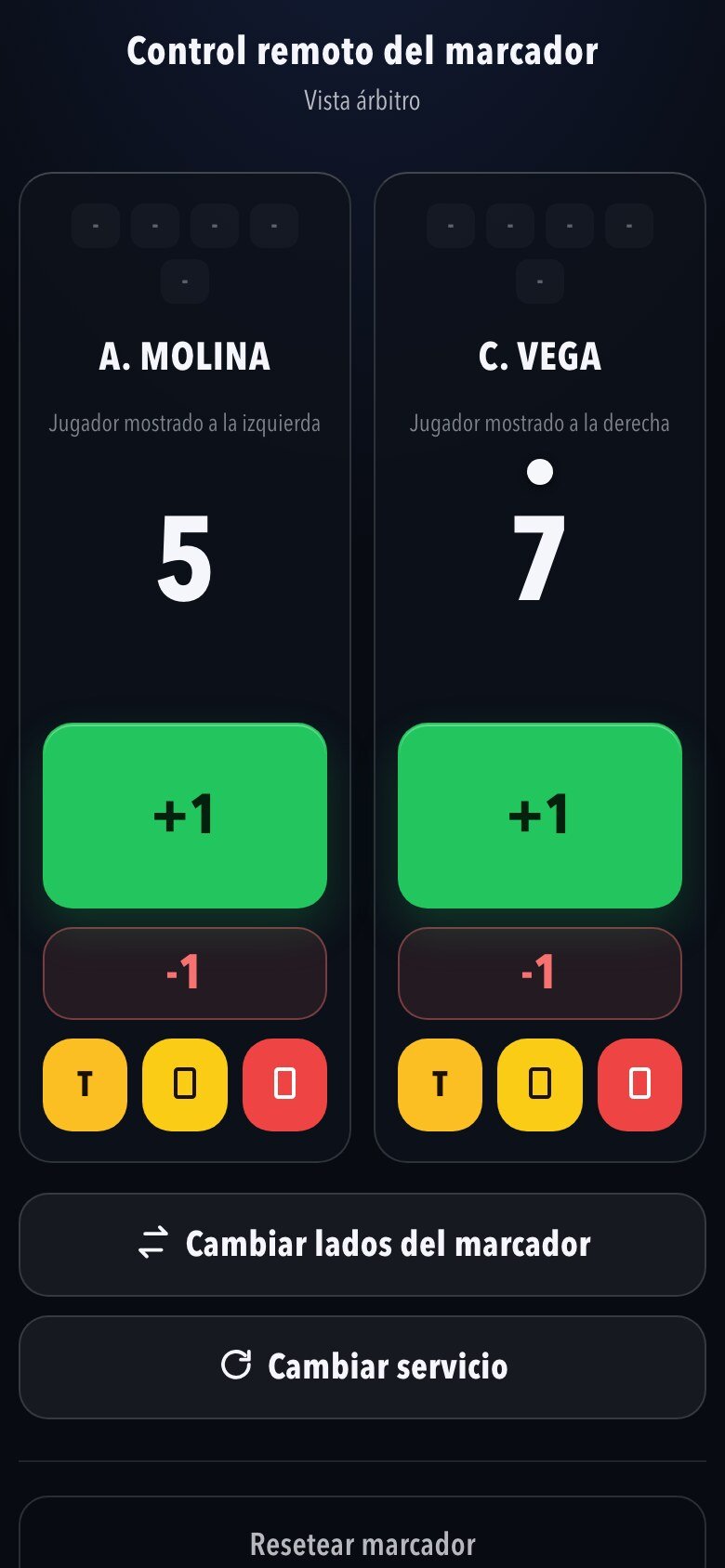
The umpire keeps score from their own phone, right next to the table. Scan a QR code and the remote opens in the browser, with nothing to install.
- Works on iPhone, Android and tablets, in any browser.
- A security code that changes every session keeps other people on the Wi-Fi out.
- One remote for a quick match and another for a team match.
- Several remotes can be open at once, all in sync.
Stream Deck
Stream Deck Integration
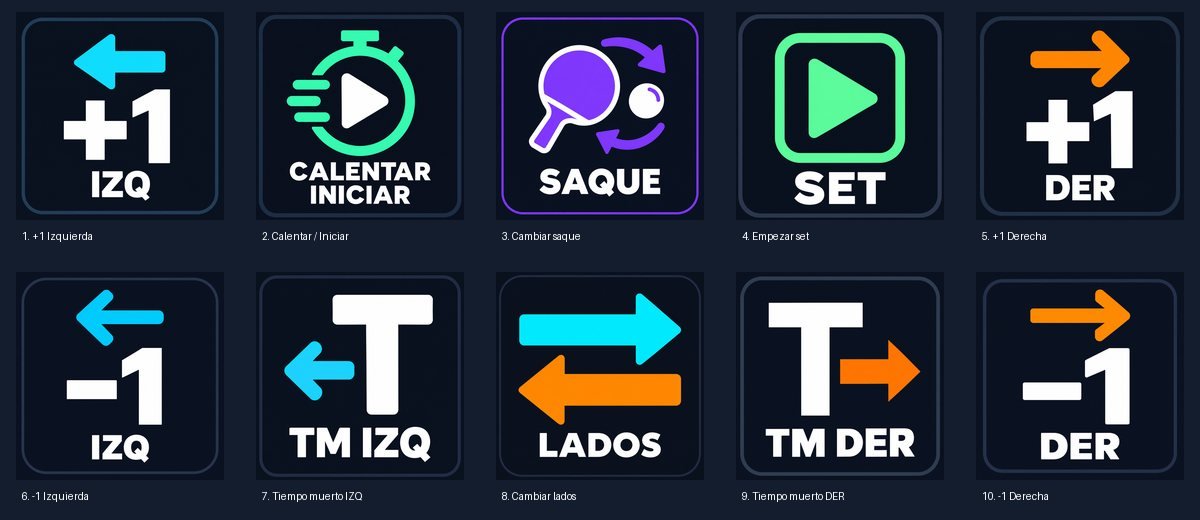
A physical button for every action, so you can score without looking at the screen.
- No plugin: each key is a standard Stream Deck website action that talks to the app on your Mac.
- A ten-key profile with custom icons: points, timeouts, serve, switch sides, warm-up and set.
- Keyboard shortcuts too, which work even when another app is in front.
Stream Deck setup → Using a Stream Deck with the scoreboard →
In the hall
Venue and TV Scoreboard
Connect the Mac to a TV or projector and the whole hall can follow the match, with no LED scoreboard to buy.
- Four designs for the match in play: Classic, Digital, Broadcast and World Cup.
- Five designs for the team match score: LED, Stadium, Arena, Video board and Retro.
- Between matches, show an image, a photo slideshow or a looping video: sponsors, the schedule or the standings.
- Runs on the venue's Wi-Fi, with no internet.

Teams
Player and Team Management
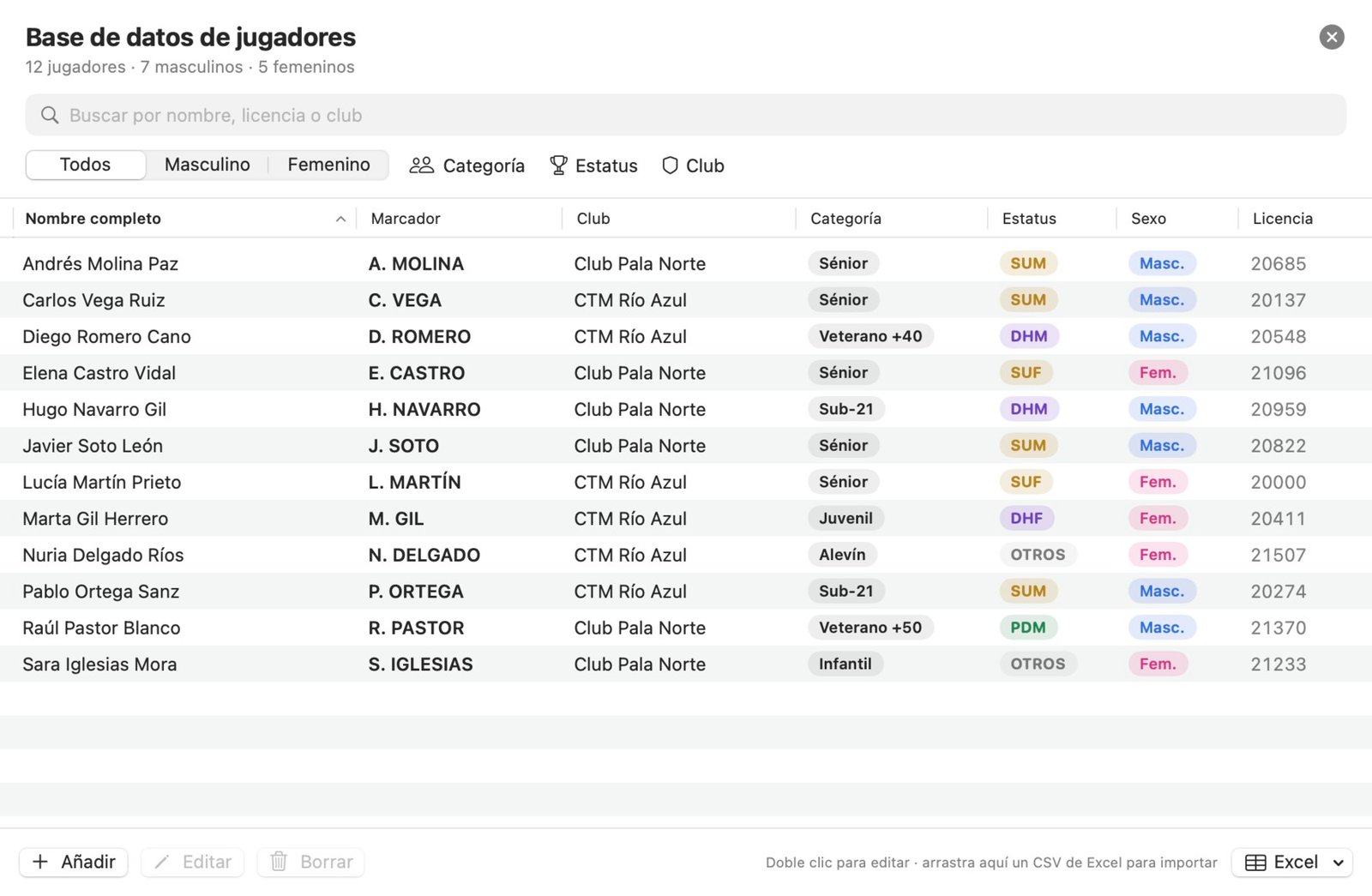
Save your whole club once and pick each player with a click.
- Club, category (from under-11 to veterans 75+), gender, federation license and status.
- Search and filters by category, status and club.
- Import and export with Excel.
- Team matches: three players per team, six singles in the official ABC against XYZ order, and the deciding doubles suggested at 3–3.
Your club's look
Club Logos and Customisation
Make every screen look like your club.
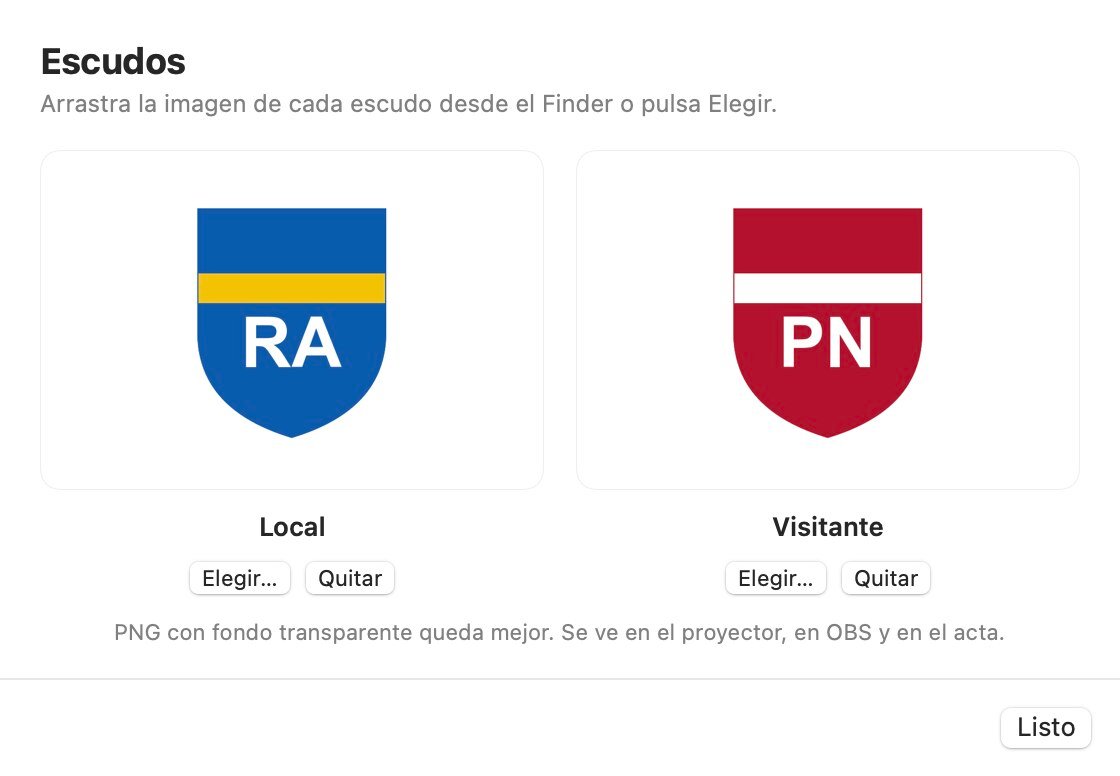
- Drag the crests in from the Finder once and they appear on the venue screen, in OBS, in the line-up and on the match sheet.
- Choose your own colors for names and numbers, and a color or an image as the background.
- The app is available in English, French, German and Spanish, in light or dark mode.
Fast start
Quick Match Mode
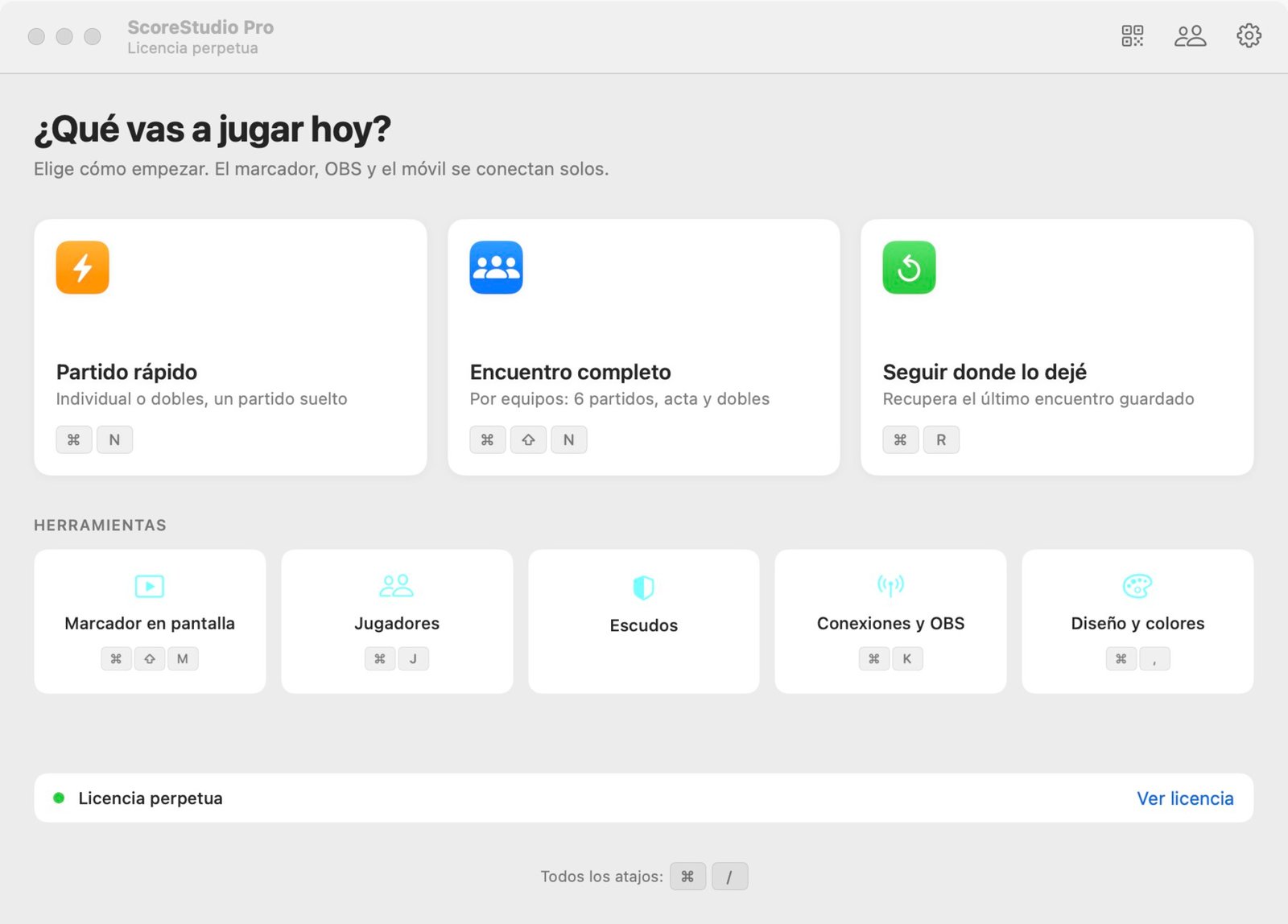
A single match in three clicks, for training, tournaments and exhibitions.
- Singles or doubles, with the points per game and the number of games you choose.
- It remembers the last format you played, with a button to go back to your usual one.
- When the match ends: play a rematch with the same names, clear everything, or leave it as it is.
In control
Match and Set Management
You decide what happens, and when. Nothing is final until you confirm it.
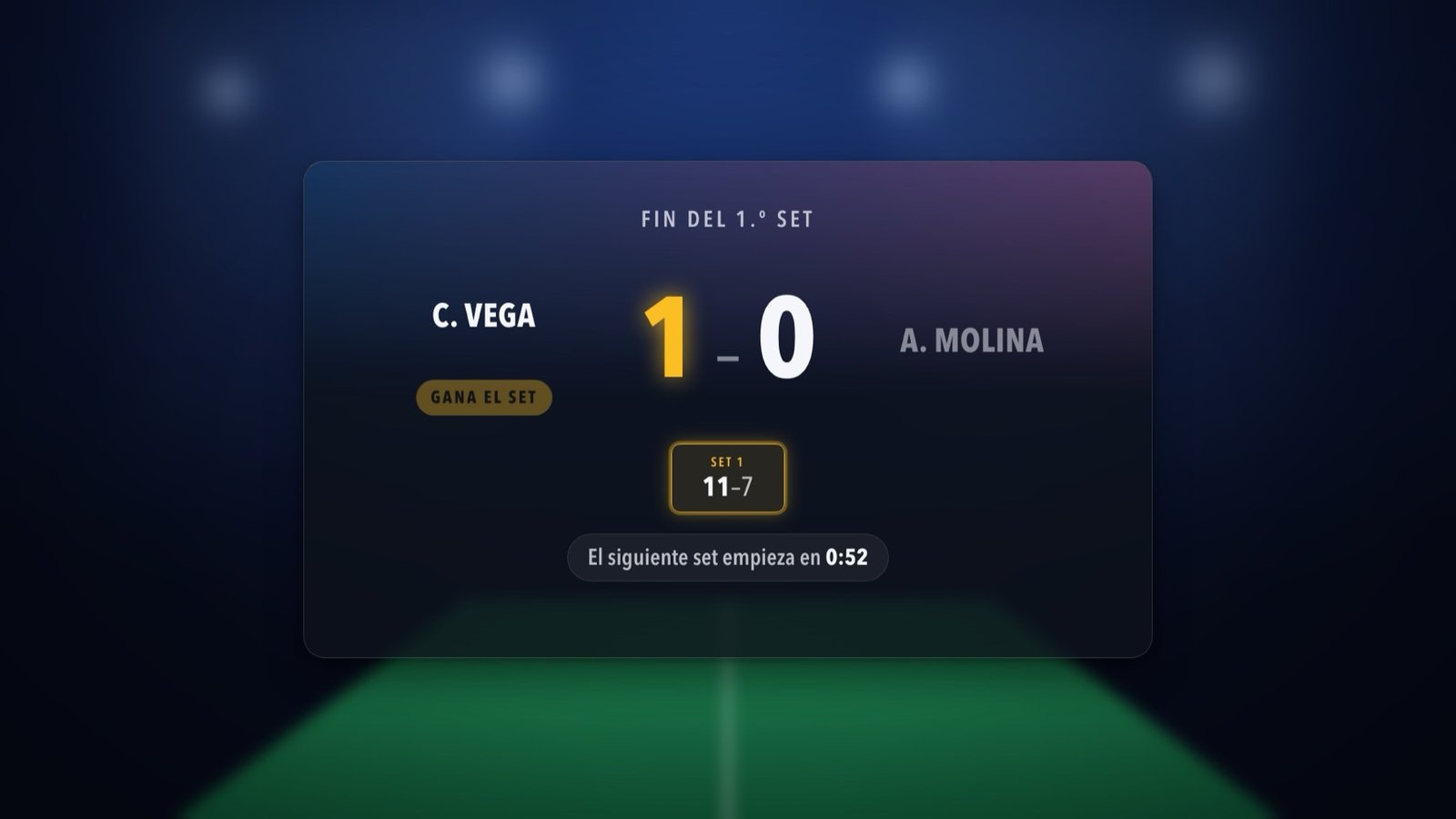
- At the end of a game the app asks you to confirm. Cancel it if the last point was wrong.
- In team matches, a one-minute break counts down on the stream, and Start game cuts it short.
- Match counters for each team, which you can correct by hand.
- Everything is saved as you play: if you close the app, Continue where I left off restores the match.
For clubs and events
Designed for Table Tennis Clubs and Events
ScoreStudio Pro is made for the people who run match day: club volunteers, umpires, tournament organisers and streamers, not technicians.
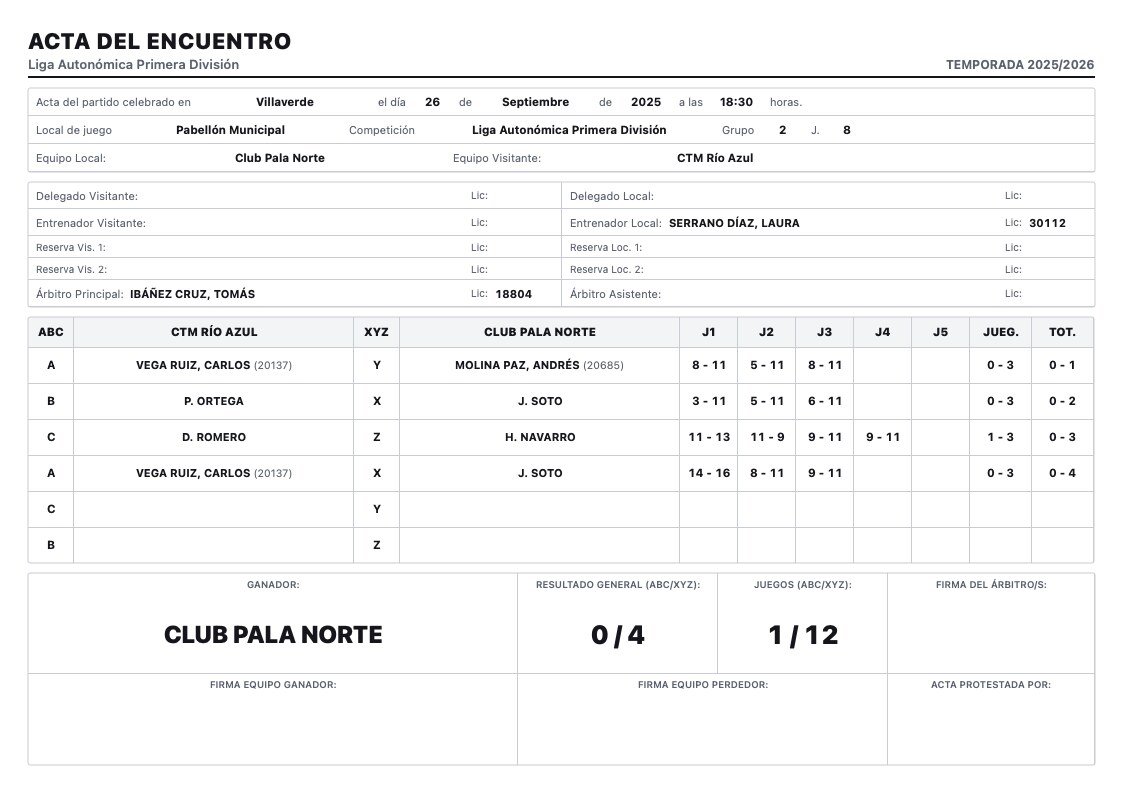
- The match sheet fills itself in with every match, and you save it as a PDF, print it or email it.
- It works without internet in the hall.
- It is made by one person, and the person who programmed the app answers support, usually the same day.
Download ScoreStudio Pro
Try the full app free for 3 days, no card needed. For Macs with macOS 15 or later.